Generator monitoring
Generator Monitoring Software: A Buyer Evaluation Guide
Compare generator monitoring software with spreadsheets and manual records using data access, alerts, ownership and the decisions your team needs.
By BorrowBox ·
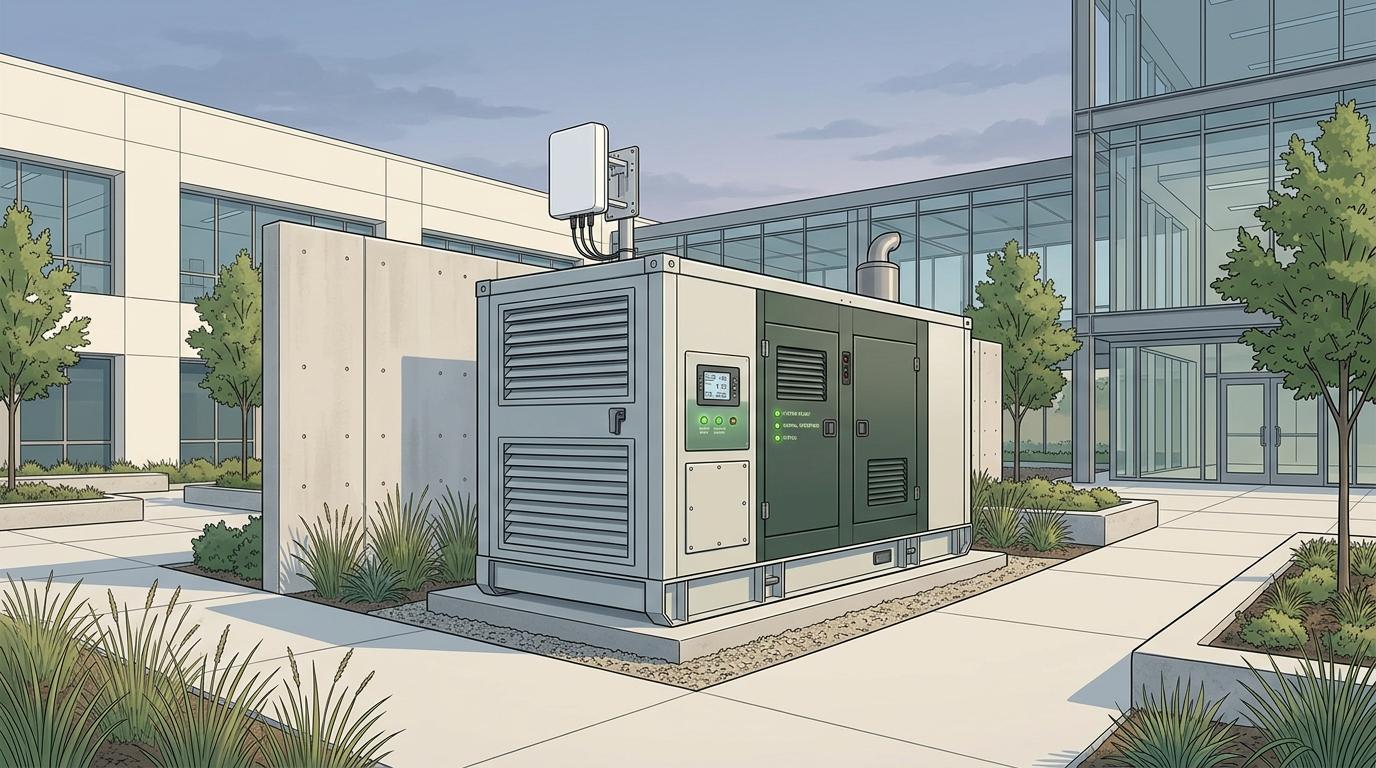
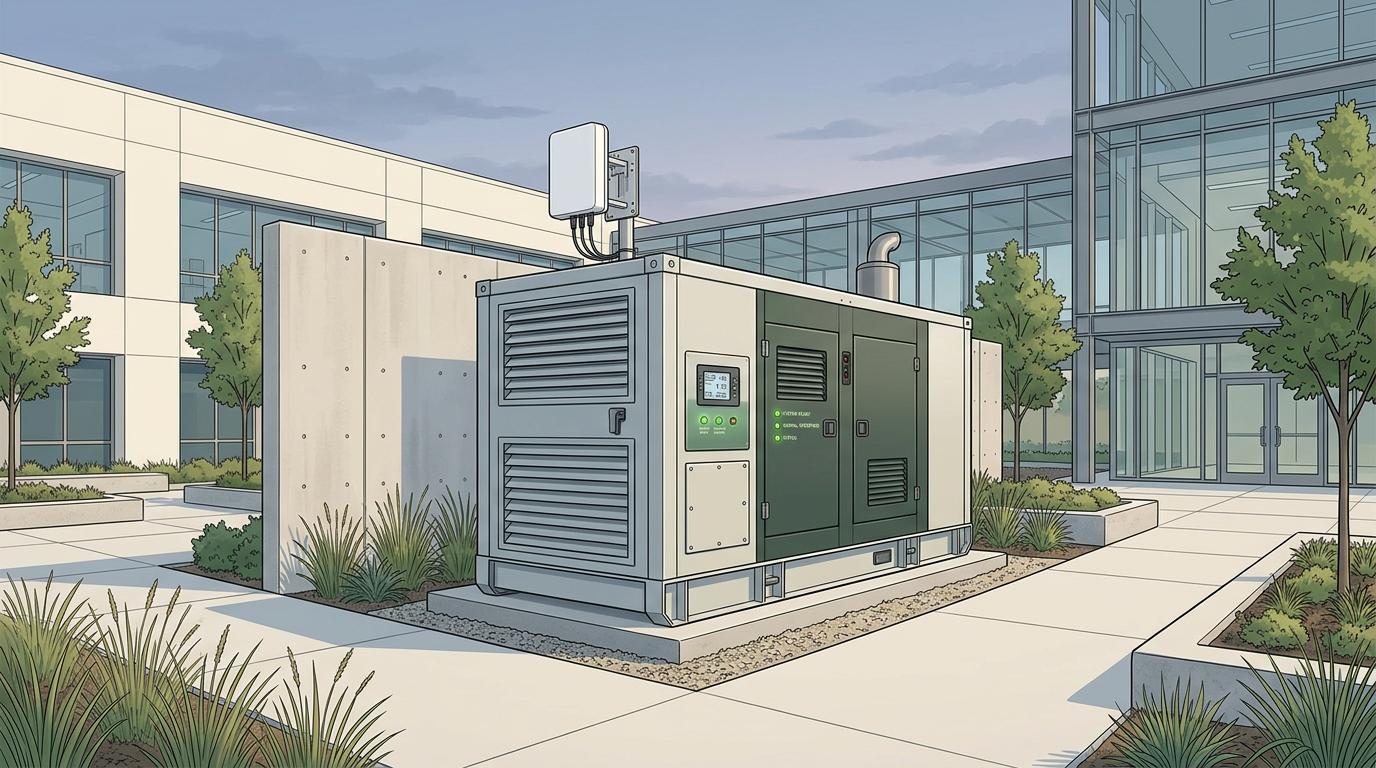
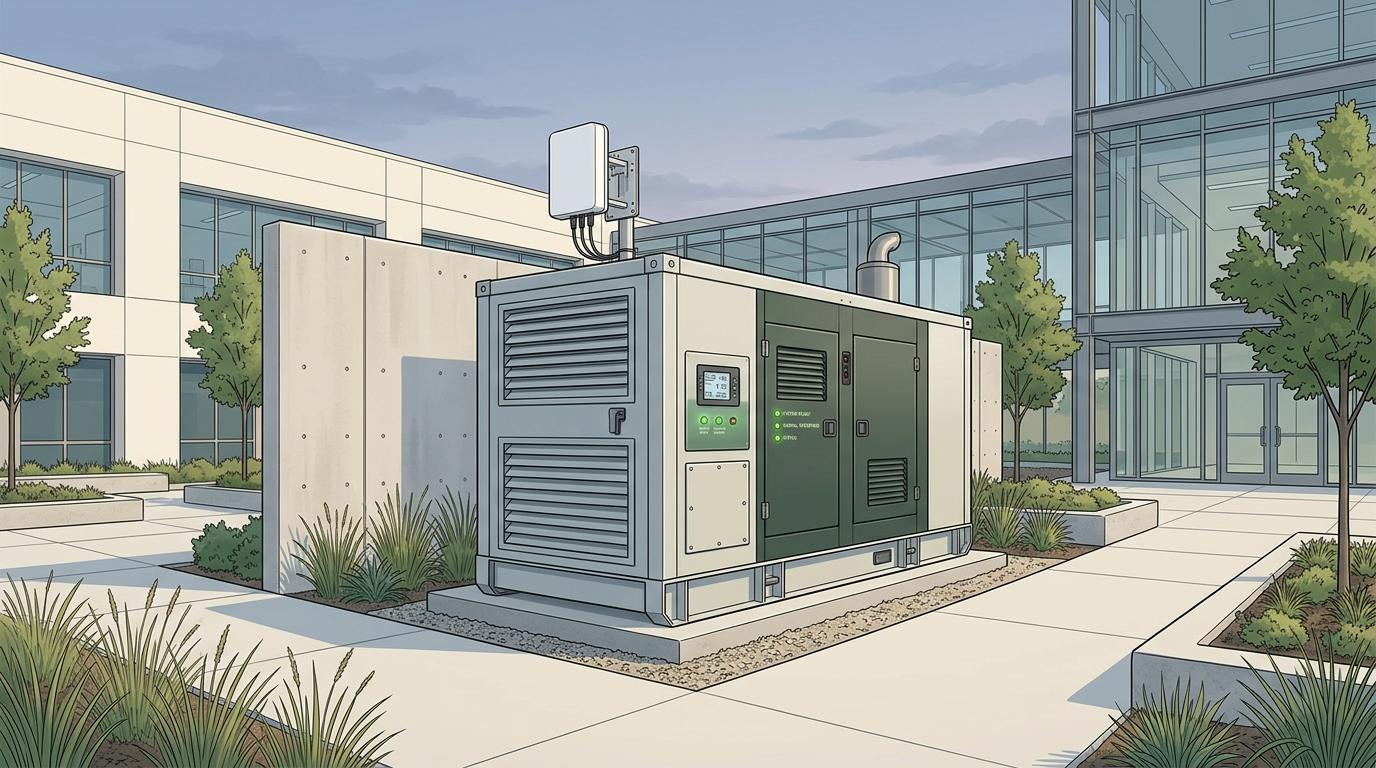
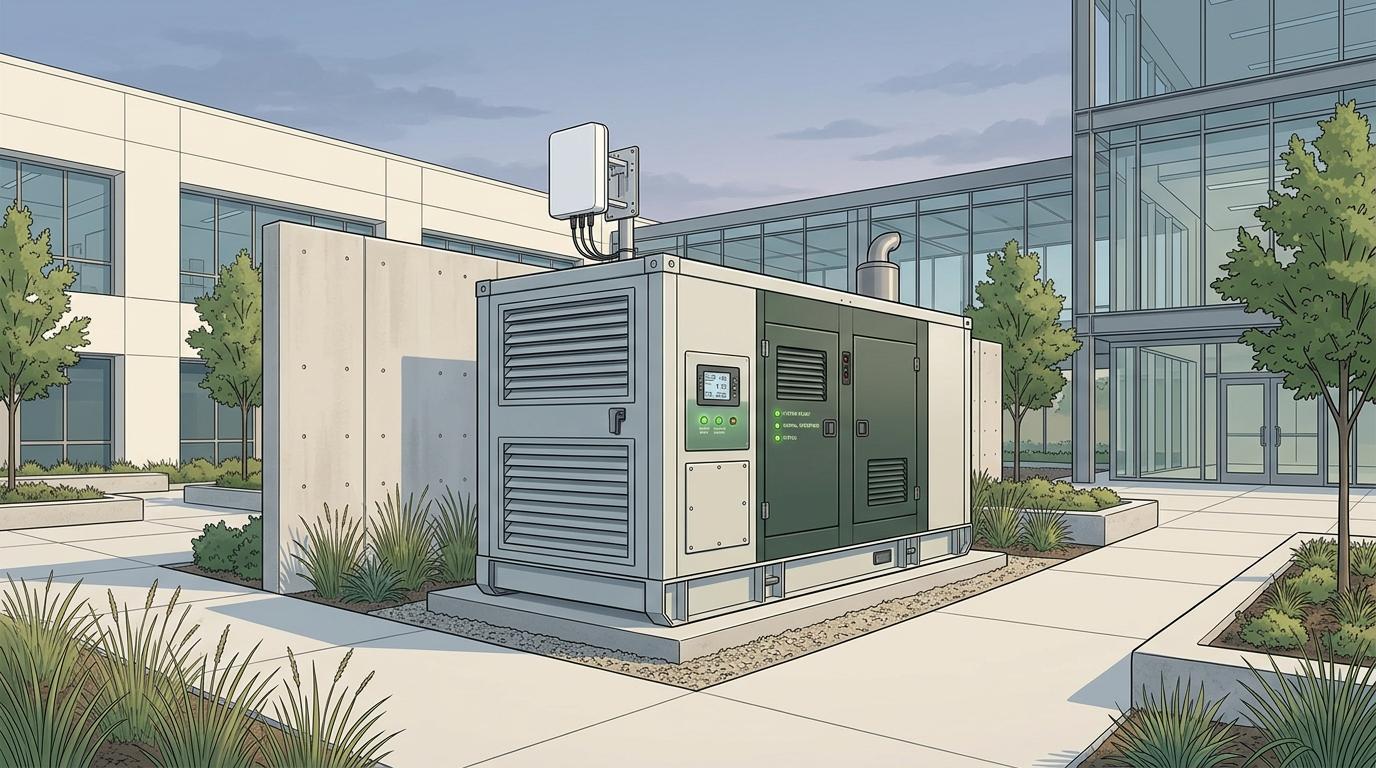
Generator monitoring software organises available generator readings, events and related operating information for the people managing the equipment. The useful question is whether it helps a team make a defined decision and follow it through. Before comparing product screens, document the current reporting process, the information that is missing and who needs to act when a reading or event requires attention.
Start generator monitoring software evaluation with a workflow
Choose a real task, such as reviewing operating hours, checking an event history or coordinating a maintenance discussion. Write down who performs it now, where the information comes from and what happens when the record is incomplete. This gives a demonstration something specific to answer.
Keep the decision distinct from the display. A dashboard can show an attractive summary while leaving the team uncertain about the source, timestamp or responsibility behind it. Ask the provider to walk through how a user moves from a reading to an assigned follow up.
Compare manual records, spreadsheets and connected data
Manual records can preserve useful local observations, while a spreadsheet can organise those records across equipment. A connected platform can bring supported measurements into a shared interface. Each approach still depends on the quality of its inputs and a process for resolving missing or questionable information.
Identify which records should remain with the site team even if software is introduced. Service findings, operating changes and equipment handovers may require context that a sensor does not capture. A practical system should make it possible to relate those records to the correct asset and period.
Ask how the readings reach the platform
Request an explanation of equipment compatibility, measurement sources, connectivity and update behaviour. Ask what the interface shows when a reading is old or unavailable. The distinction between a current value and a last received value matters when a remote team is deciding whether it has enough information to act.
Use the demonstration to explore a communication interruption and its recovery. Ask which information is retained, how gaps are presented and whether a user can tell that a gap occurred. These questions reveal more about the operating workflow than a demonstration containing only complete data.
Evaluate alerts as a team responsibility
Define who should receive a relevant alert and who can acknowledge or close the associated work. Ask how escalation, shift changes and unavailable recipients are handled. Alert delivery and completion of the required action are different events and should not be confused in a report.
Discuss access controls and the activities that each role can perform. A person who needs to review a site's data may not need authority to change settings or manage other sites. Ask the provider to explain the permissions and the record of relevant changes.
Use a pilot with a written review plan
Agree the assets, workflows and people included in the pilot. Establish how the team will assess data availability, usability and the completeness of follow up. Keep unresolved questions visible, including any dependency on installation, connectivity or another system.
Ask about access to historical records, exports and arrangements at the end of the service. The operating history should have a clear owner and retrieval process. Review the complete service scope, including hardware and ongoing support where applicable, before comparing commercial proposals.
| Record arrangement | Question for the team | Point to review |
|---|---|---|
| Manual site log | Who enters observations and makes them available? | Completeness and handover ownership |
| Shared spreadsheet | How are updates and asset references controlled? | Version and responsibility for the record |
| Connected monitoring platform | Which measurements are supported and how are gaps shown? | Data source, age and follow up workflow |
Common questions about generator monitoring software
Should a spreadsheet be replaced immediately?
First identify the information or coordination problem. A spreadsheet may remain useful for some records, and a software decision should be connected to a defined operating requirement.
Does every generator provide the same readings?
Ask about compatibility and supported measurements for the actual equipment. A product demonstration may show information that is not available from every controller or installed sensor arrangement.
Does an alert mean a service task has been completed?
No. An alert communicates an event or condition. A separate workflow should identify who reviewed it, what action was taken and how the outcome was recorded.
What should happen when connectivity is lost?
Ask the provider how its particular equipment and platform handle communication gaps. Users should be able to understand the age and availability of the information being displayed.
Which people need access?
Map access to tasks. Facility managers, service personnel and commercial teams can need different information and permissions, especially when the platform covers several sites.
How should a pilot be judged?
Use the operating tasks agreed before the pilot. Review whether the available data and follow up process support those tasks, and document unresolved dependencies before expanding the deployment.
Choose around an operating decision
A useful evaluation starts with a task your team already understands. Use that task to test the complete path from available data to a recorded action.
Start with the readings and operating decisions your site needs to support. Discuss generator monitoring for your site